Presenting to clients with clarity: a practical guide
A practical guide to presenting to clients with clarity: start from the client's decision, use a three-part structure, design readable slides, rehearse, handle questions and close with a clear next step, in person or online.
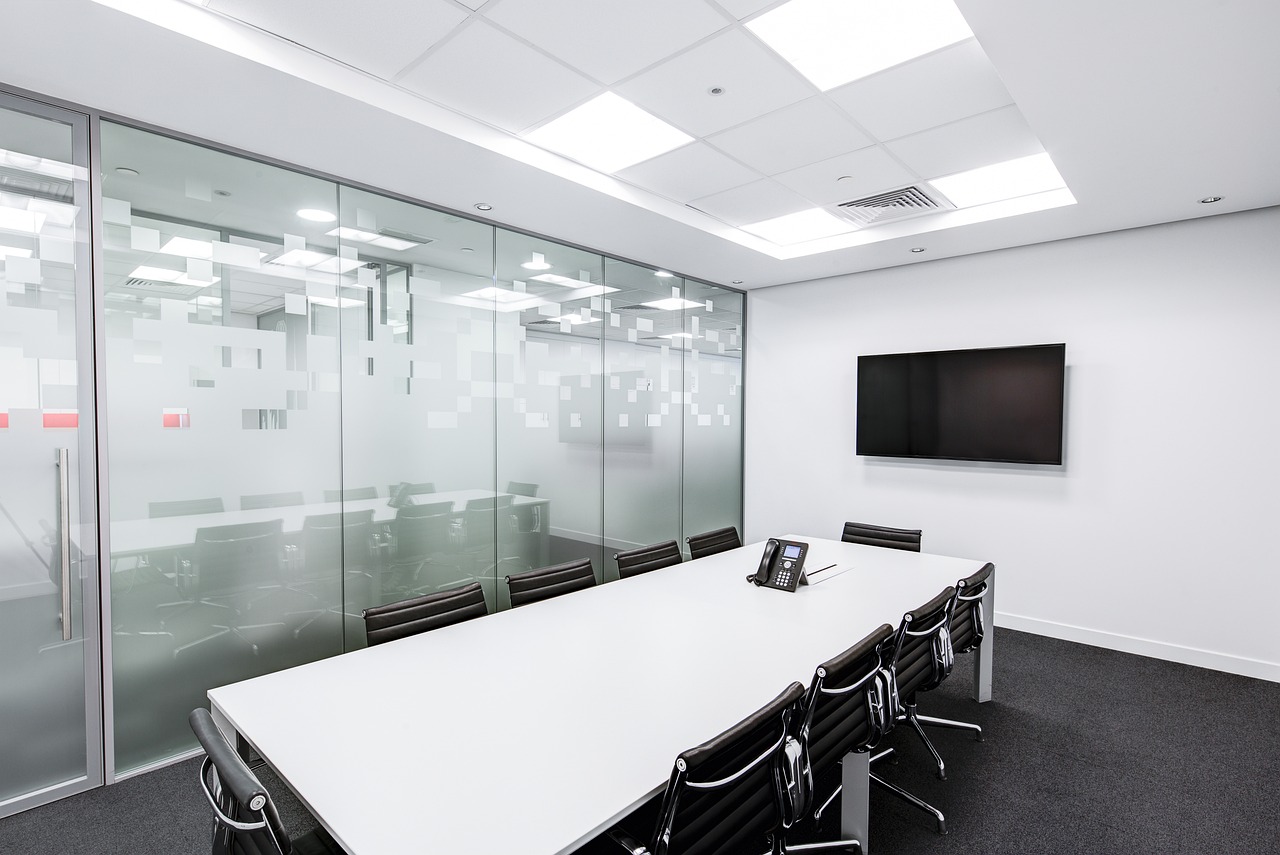
A client presentation is not a performance. It is a short, structured conversation whose job is to help someone make a decision: approve a proposal, accept a recommendation, sign off a milestone or understand a result. Yet many presentations drift into a tour of everything the team did, with forty slides and no clear ask. The client leaves politely and decides nothing.
This guide shows how to present to clients with clarity. You will learn how to start from the client's question, build a simple three-part story, design slides people can read in seconds, deliver with calm confidence, handle questions and follow up so the meeting produces a result. It is written for small business owners and teams who present in person, by video call or both.
Start with the client, not the slides
Before opening any presentation software, answer four questions in writing.
- Who is in the room? Decision-maker, influencer, user, finance? Each cares about something different.
- What do they already know? Skip what they know; explain what they do not.
- What decision do you need? "Approve option B and the March start date."
- How much time do you have? Plan for less than the slot, so there is time to talk.
A university study-skills guide from the University of Sheffield makes the same starting point: keep in mind your topic, your time limit and your audience, and stick to one clear core message so you do not drift off topic. A client presentation with two messages is really two presentations.
Write your one-sentence message
Complete this: "By the end, the client should understand _ and decide _." Every slide and every minute either supports that sentence or goes in the appendix.
Build a simple three-part structure
The University of Western Australia's presentation guide recommends organising a talk into an introduction, a body and a conclusion that ties your main points together, and cutting any point that does not support your purpose. For a client meeting that translates to a clear sequence.
A reliable client-meeting outline
| Part | Time (for a 30-minute slot) | What to cover | |---|---|---| | Opening | 3 minutes | Purpose, agenda, what you need from them | | The situation | 5 minutes | Their goals and problem, in their words | | Your recommendation | 10 minutes | The three points that matter most, with evidence | | Options, cost and timing | 5 minutes | Choices, price and what happens next | | Discussion and decision | 7 minutes | Questions, concerns, agree next step |
Sheffield's guidance suggests starting with about three main points and building the introduction and conclusion around them, and repeating key points: preview the content, deliver it and summarise it again, because listeners only get one chance to take it in. Say "I will cover three things: the problem, the plan and the price," then say each, then recap.
Lead with the answer
Clients are busy. Put your recommendation in the first two minutes and spend the rest showing why it is right. Surprise endings suit films, not budgets.
Design slides people can read in seconds
Slides support you; they are not the script. Keep these rules:
- One idea per slide, with a headline that states the conclusion ("Support tickets fell 30 percent after the change") rather than a label ("Results").
- Short bullets, large text. The UWA guide suggests keeping text large, at least 24 point, in a simple sans-serif font with short bullets for key ideas.
- Charts instead of tables of numbers. Sheffield notes that presenting data as charts or graphs makes it easier to understand and remember.
- Real images and diagrams over decoration. Avoid distracting animations and sound effects.
- Credit your sources. Reference data and images on the slide or at the end.
- Accessible design. High contrast, readable fonts and captions where needed.
Put detail in a handout or appendix
Move supporting data, assumptions and fine print to a follow-up document the client can read later. A clean slide deck plus a short written summary beats a dense deck that tries to be both.
Prepare and rehearse
Practise out loud
Rehearse at least twice, standing, with a timer. The UWA guide advises practising repeatedly to refine timing, volume, pace and logic. Say the opening and the closing from memory; they are the parts clients remember. Record yourself on video once; you will spot filler words and fast pacing at once.
Prepare for difficult questions
List the five hardest questions the client could ask, usually about price, risk, timing, who is responsible and why not a cheaper option. Write a short answer for each. If a question has no good answer yet, decide how to say so honestly.
Plan for technology failure
UWA suggests bringing copies on a USB drive, emailing the slides to yourself and having handouts ready in case technology fails, and avoiding reliance on live videos or internet links. For online meetings, join early, test your sound, close extra tabs and share only the window you need.
Online presentation checklist
- Confirm the platform and send the link and agenda in advance.
- Use a headset or external microphone for clearer sound.
- Place the camera at eye level, avoid a window behind you and keep the background tidy.
- Look at the camera when you make key points.
- Mute when not speaking and ask someone to watch the chat if possible.
- Pause for questions every few minutes; it is harder to read the room on video.
- Sheffield's tips also suggest speaking slowly online, where audio clarity is more limited.
Deliver with calm confidence
Open strong
Introduce yourself and the agenda, state the purpose and the decision you need, and tell them when questions are welcome. Signposting words such as "first", "second" and "to sum up" help people follow along, as UWA notes.
Talk to people, not to the screen
Make eye contact and let your gaze move around the room. Use notes as a guide, not a script, and avoid turning your back on the audience. If slides are your prompts, look up often. Stand or sit tall; Sheffield notes posture can help you feel and look more confident.
Pause
A pause after a major point lets it sink in. It also steadies your own pace. If you feel nerves, keep a bottle of water nearby and breathe out slowly before you start.
Handle questions and objections
You do not need to know every answer. UWA's guidance suggests acknowledging the question and offering to follow up, for example saying it is a good question and you will need to think about it, then discussing it afterwards. Clients respect an honest "I will confirm that by tomorrow" more than a confident guess.
- Listen to the whole question before answering.
- Repeat it briefly so everyone, including remote attendees, has heard it.
- Answer the real concern. A price question may really be about risk.
- Park tangents politely: "Let me note that and come back to it."
- Close the loop: "Does that answer your question?"
Close with a clear next step
End with a summary slide that restates the three main points and the decision you need, then name who does what by when. Send a short written recap the same day with the slides, the agreed actions and any promised answers. For a plan to keep momentum after the meeting, see sales follow-up that wins deals without nagging, and for regular client updates, project status meetings and updates that work. If you are presenting a priced offer, pair this guide with writing a business proposal that gets signed.
Common mistakes
- No clear ask. The client enjoys the talk and decides nothing.
- Too many slides. Time is wasted on flipping and reading aloud.
- Reading the slides. The client can read faster than you speak.
- Talking about yourself. Start from the client's goals, not your history.
- No rehearsal. Timing overruns eat the discussion time that closes decisions.
- Defensiveness. Treat objections as information about what the client needs.
- No follow-up. The momentum from the meeting fades within days.
Where WorkBOS fits
Preparation is easier when client information is in one place. In WorkBOS, the CRM keeps contacts, deals and history together, project data shows progress and budget against actuals, and the drives and office suite hold decks and documents. After the meeting, the branded client portal can share the recap and files, and document signing can collect approval. Compare plans on the pricing page, start free for up to five users, and see the docs or the Academy for how-to guides. The presentation itself is still yours to deliver.
Frequently asked questions
Q: How many slides should a client presentation have? A: There is no magic number, but fewer is better. For a 30-minute slot, many people aim for about eight to twelve, each with one idea, and put the details in an appendix or handout. Leave at least a quarter of the time for discussion.
Q: How do I present to clients if I get nervous? A: Rehearse out loud several times, learn your opening, bring water, stand tall and breathe slowly before you start. Practice is the main way to build confidence, and a clear structure helps you feel less lost.
Q: Should I send the slides before the meeting? A: Send the agenda and the purpose beforehand. Send the slides afterwards with a recap, unless the client needs time to review a document first, in which case label it as a pre-read.
Q: What if I do not know the answer to a question? A: Say so, note the question and promise a specific time for a reply. Then keep that promise. Honesty builds more trust than guessing.
Q: How do I make an online client presentation work? A: Send the link and agenda in advance, use a headset, put the camera at eye level, share only what is needed and pause often for questions. Have a backup plan if sharing fails.
Sources are linked in the text above: University of Sheffield and the University of Western Australia.
Run it all from one place
Projects, clients, finance, people and AI employees in one system. Start free, no card needed.
Start free →