Cybersecurity basics for small business: a practical guide to the steps that matter
A plain-English guide to cybersecurity basics for small business: what to protect, six core steps (MFA, updates, backups, phishing training, access limits, secure networks), a one-month checklist, and what to do after an incident.
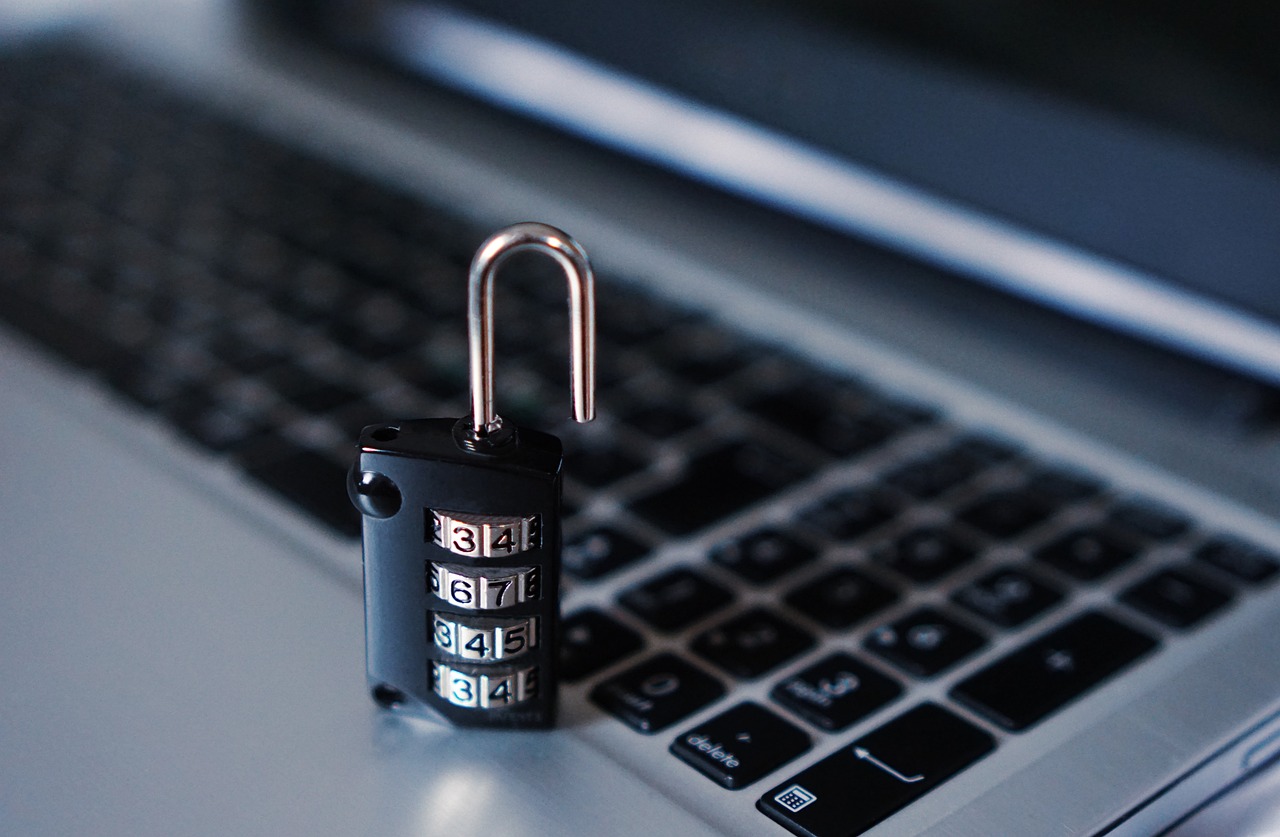
Most small businesses are not hacked by a clever stranger breaking down a digital door. They lose data because a password was weak, a laptop was out of date, a staff member clicked a convincing email, or the only copy of a file sat on one machine. The good news is that the fixes are mostly habits, not expensive tools.
This guide covers cybersecurity basics for small business in plain English: what to protect, the handful of steps that matter most, a simple monthly routine, and the mistakes that cause the most trouble. It draws on published guidance from the US Small Business Administration, NIST, the Federal Trade Commission and CISA. It is general information, not professional security, legal or insurance advice.
Start with what you actually need to protect
You cannot protect everything equally, so start by listing what would hurt most if it were lost, stolen or locked.
Make a short inventory
Write down four things on one page:
- Data: customer details, financial records, employee files, contracts, passwords.
- Devices: laptops, phones, tablets, any shared computer or tablet at a counter.
- Accounts: email, banking, payroll, accounting, website hosting, social media, cloud storage.
- People: staff, contractors, freelancers and vendors who can reach any of the above.
If you already keep a record-keeping routine, our guide to small business record keeping pairs well with this list, because what you keep and what you must protect overlap heavily.
Ask the "what if" question
For each item, ask what happens if it vanishes, leaks or is held for ransom. Customer payment data and bank logins usually top the list. Your email account often ranks higher than people expect, because it can reset almost every other password.
The core steps, in order of payoff
The FTC's small business cybersecurity guidance and the SBA's cybersecurity guide agree on a short list. Here it is, ordered so the first items give you the biggest drop in risk for the least effort.
1. Turn on multi-factor authentication
Multi-factor authentication (MFA) asks for a second proof, such as a code from an app, in addition to the password. The SBA recommends requiring more than a password to log in, and CISA points to email, file storage and remote access as the first places to switch it on. Our guide to multi-factor authentication and passwords for teams walks through the rollout.
2. Keep software and devices updated
Updates fix known security holes that criminals actively use. The SBA advises turning on automatic updates for operating systems, browsers and applications so patches arrive without anyone remembering to do it. CISA lists prompt updates as one of its four core habits for staying safe online.
3. Back up what matters, and test it
The FTC tells small businesses to back up important files regularly, to the cloud or an external drive. The SBA suggests a weekly schedule for financial, HR and accounting records. A backup you have never restored is a hope, not a plan. See backing up business data with the 3-2-1 approach.
4. Train people to spot phishing
Staff are the most common way in. The SBA advises teaching employees to recognize phishing emails, avoid sketchy downloads and protect customer and vendor data. Phishing is covered in detail in spotting and handling phishing.
5. Limit who can see and change what
The FTC advises limiting access to sensitive data and deleting or destroying data you no longer need. NIST describes the idea as least privilege: each person gets only the access their job needs. Our guide on roles and permissions in a small company shows how to apply it.
6. Secure the network and remote work
The SBA suggests password-protecting your router, using a firewall, and having remote workers connect through a VPN. The FTC adds that remote workers and vendors should meet your security standards before connecting, and that guest Wi-Fi should be kept separate from the business network.
A simple checklist you can finish this month
- List your data, devices, accounts and people (one page).
- Turn on MFA for email, banking, accounting, payroll and cloud storage.
- Switch on automatic updates on every business computer and phone.
- Set up automatic backups and restore one file to prove it works.
- Give every person their own login. Remove shared logins.
- Remove access for anyone who has left or no longer needs it.
- Replace any default passwords on routers, cameras and software.
- Hold a 20-minute team talk on phishing and how to report it.
- Write a one-page "what to do if something goes wrong" note with phone numbers.
Know what to do when something goes wrong
Both the FTC and CISA advise having a response plan before you need one. Keep it short.
First hour after a suspected incident
- Disconnect affected devices from the network. The FTC advises doing this without powering them off.
- Change passwords from a device you trust, starting with email and banking.
- Tell your bank if money or card details may be involved.
- Call a trusted IT or security professional if you have one.
- Report the crime. The FBI's Internet Crime Complaint Center accepts complaints about fraud, scams and cybercrime, including ransomware and business email compromise.
Afterwards
Work out how it happened, fix that one thing first, and tell customers or staff if their data was involved. Some states require notice when personal data is exposed, so check with a lawyer about your obligations.
Common mistakes
- Shared logins. When five people use one account, you cannot tell who did what, and you cannot remove one person cleanly.
- Skipping updates because the pop-up is inconvenient.
- Backups on the same device as the original, or on a drive that is always plugged in and reachable by ransomware.
- Giving everyone admin rights "to save time".
- Never removing former staff from email, drives and tools.
- Treating security as a one-time project instead of a monthly habit.
- Assuming you are too small to be a target. Automated attacks do not check your size.
Where WorkBOS fits
Security basics mostly come down to knowing who has access to what and being able to prove it. WorkBOS includes roles and permissions, an audit log, and AI agents that act only with human approval, which helps with the access and accountability parts of the list above. It does not replace your device updates, backups or staff training, so treat it as one layer. You can start on the free plan and compare plans on the pricing page. The docs explain how roles work, and the Academy has short lessons for new team members.
Frequently asked questions
Q: What is the single most useful cybersecurity step for a small business? A: Turning on multi-factor authentication for email and financial accounts. Many account takeovers rely on stolen or guessed passwords, and a second step blocks most of them.
Q: Do I need an IT person to be secure? A: Not for the basics. Updates, MFA, backups, unique logins and a short staff talk are all things an owner can set up. Bring in a professional for network setup, a suspected breach or regulated data.
Q: Is cyber insurance worth it? A: The FTC notes that cyber insurance can help cover recovery costs and suggests reviewing first-party and third-party coverage with an agent. Ask what it covers and what controls it requires, since many policies expect MFA and backups.
Q: How often should we review security? A: A 30-minute monthly check is enough for most small teams: updates, access list, backup test. Do a fuller review each quarter and whenever someone joins or leaves.
Q: Where do I report a cyber crime? A: In the US, file a complaint with the FBI's Internet Crime Complaint Center and also tell your bank if money moved.
Sources are linked in the text above: SBA, NIST, FBI IC3, FTC, CISA.
Run it all from one place
Projects, clients, finance, people and AI employees in one system. Start free, no card needed.
Start free →