Quality Control Checklists for Small Business: How to Build Them
How to build quality control checklists a small team will really use: find where quality can fail, write short checkable items, test them on real jobs, and use the results to fix the causes of repeat mistakes.
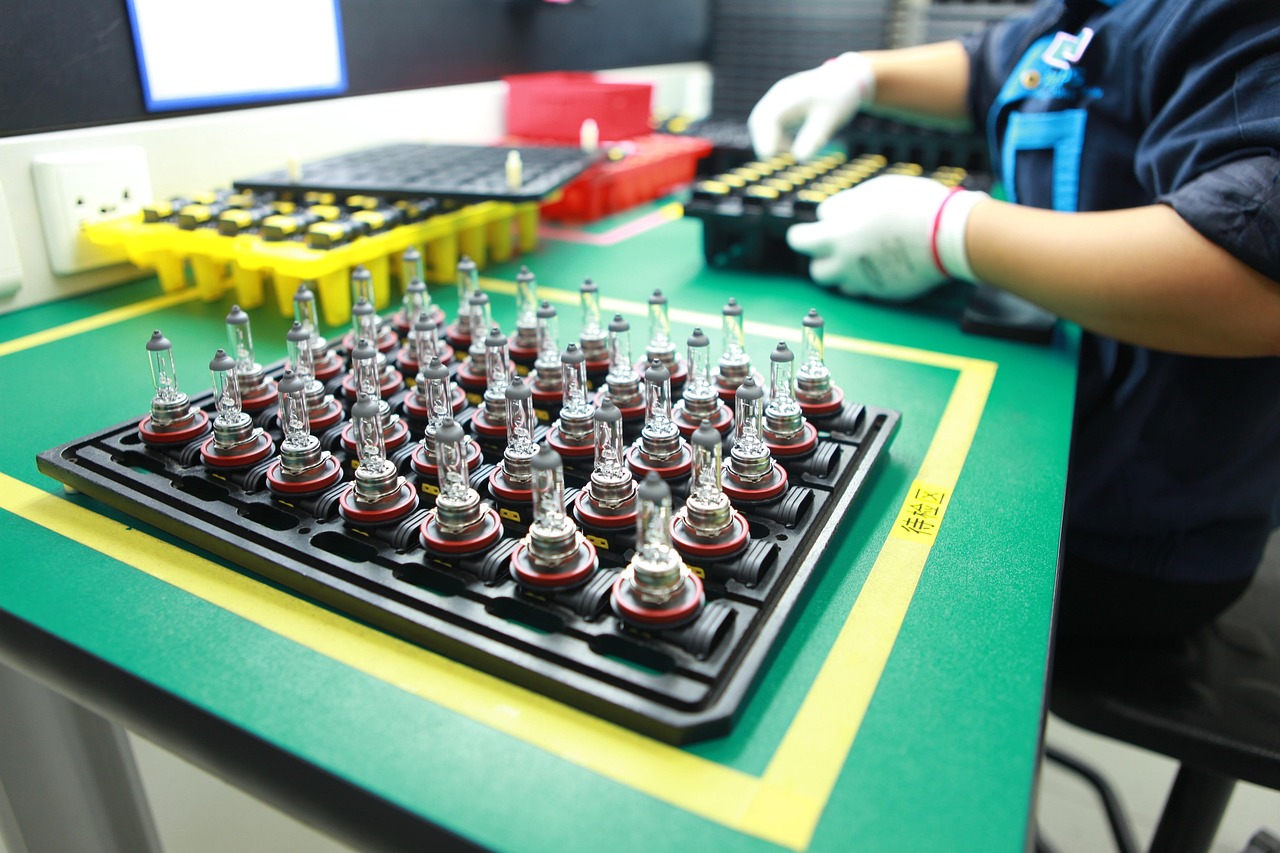
Every business has a version of the same story: a job goes out the door with a missing part, a wrong figure, or a step that was skipped because everyone was busy. The customer notices. The fix costs more than the check would have.
A quality control checklist is the cheapest defense against that story. It is a short, structured list that makes the important checks happen the same way every time, whoever is on shift. This guide shows how to build checklists that people use, where to put them, and how to turn the results into improvements.
What a quality control checklist does
The American Society for Quality's glossary describes a checklist as a structured set of items or criteria to be completed or verified in a defined sequence, used to reduce missed steps and human error in complex or repetitive work. It also links checklists with consistent processes and readiness for audits.
Checklists are used in factories, hospitals and aviation, but they work just as well in a bakery, a cleaning company, a web agency or an accounting practice. They do three jobs:
- Prevent misses. They catch the step people forget when rushed.
- Make quality visible. A completed form is evidence the check happened.
- Create data. Over time, ticks and fails show where problems cluster.
Checklist or SOP?
A checklist is not a replacement for a procedure. US Environmental Protection Agency guidance on writing SOPs puts it well: the checklist is part of the SOP, not the SOP itself. Use the SOP to explain how to do the work, and the checklist to confirm it was done. Our guide to writing SOPs people use covers the first half.
Step 1: Decide where quality can fail
You do not need a checklist for everything. Start by finding the points where a mistake would be costly or embarrassing.
- List the main stages of your work, from enquiry to delivery and after-sales.
- For each stage, ask: what has gone wrong before? What would hurt most if it went wrong?
- Mark the stages with high cost, high customer impact or frequent errors.
- Put a checkpoint at the end of each marked stage, before work moves on.
Typical checkpoints for small businesses:
| Business type | Useful checkpoints | |---|---| | Retail or e-commerce | Goods received, order packed, return inspected | | Food business | Opening and closing, delivery acceptance, fridge temperature log | | Service or agency | Brief confirmed, draft reviewed, final delivery check | | Trades | Job start, safety, finish and handover | | Office or finance | Invoice review, month-end close, contract before sending |
Step 2: Write the checklist
Keep it short
A checklist of 5 to 12 items gets used. A page of 40 gets ticked without looking. If a list is long, split it by stage, or move rare checks into a separate list used only when needed.
Make every item checkable
Each line should be a yes or no that anyone can answer the same way.
- Weak: "Product looks good."
- Better: "No scratches, dents or stains visible at arm's length. Label straight and readable."
If two people could reasonably disagree, add the standard: a photo of an acceptable item, a tolerance, or a number.
Use the five design points
The US Agency for Healthcare Research and Quality describes simple checklists as forms for recording data or tallying events, and gives a build process you can borrow:
- Define what you are checking, with an "other" option for anything unexpected.
- Set the timeframe: how often and for how long.
- Design the form so it is clear and quick to fill in.
- Make sure everyone fills it in the same way. The agency stresses that consistency among the people entering data matters most for reliable results.
- Review the results to spot problems that come up often.
The agency also warns that a form built for one setting may not suit another, so test each checklist where it will be used.
Order matters
Arrange items in the order the work happens, not by category. If a check must happen before a step that cannot be undone, make it the first line and mark it.
Add the action on failure
Next to each critical item, say what to do when it fails: fix it, stop the job, call the owner. A checklist that finds problems but offers no path forward gets ignored.
Step 3: Test it with real work
Before rolling out, run the checklist on three to five real jobs.
- Ask the person doing the work to read it aloud as they go. Mark where they hesitate.
- Remove items nobody can answer.
- Add items for anything that went wrong but was not on the list.
- Time it. If it takes longer than a few minutes, trim it.
Step 4: Roll out and make it a habit
Where the checklist lives
Put it where the work happens: printed at the workstation, in the mobile form on the phone, or as a required step in the project task. The easier it is to reach, the more often it will be used.
Who is accountable
Name one owner per checklist. Add a signature, initials or a timestamp so it is clear who checked. This is accountability, not blame: the point is traceability.
Train briefly
Explain why each item is there. People follow a rule more reliably when they understand what it prevents. A five-minute walkthrough with a real example is enough.
Step 5: Use the results to improve
A pile of ticked forms is a missed opportunity. Every month, review the failures.
Count what fails
Tally which items fail most often. Often a few items account for most of the problems, which tells you where to focus. ASQ lists the check sheet among its basic quality tools and pairs it with histograms and Pareto charts to analyze the data collected.
Find the cause, not the culprit
For each frequent failure, ask "why" until you reach something fixable: unclear instruction, missing tool, supplier issue, rushed schedule. Then change the process, not just the reminder.
Look upstream
Some failures start with a supplier. Purdue's Manufacturing Extension Partnership advises asking suppliers for their inspection records and how they trace which lot was involved when something fails. If incoming goods keep failing the same check, raise it with the supplier. See our supplier management guide.
Retire and refresh
If an item has never failed in six months, consider whether it is still needed. If a new problem appears, add a line. Review each checklist at least yearly.
A sample checklist: delivering a client project
- Client brief and final scope match what we are delivering.
- All files named and versioned correctly.
- Names, dates and figures checked against the source.
- Links, forms and attachments tested.
- Second person has reviewed.
- Invoice matches the agreed price and milestones.
- Handover notes and next steps included.
- Client sign-off requested.
Adapt it to your business; the shape is what matters.
Common mistakes
- Checklists that are too long. People stop reading them.
- Vague wording. "Looks fine" is not a check.
- Tick-and-flick. If it is filled in after the fact, it is paperwork. Fill it in during the work.
- No owner or review. Lists go stale.
- Blaming people for failures. Fix the process, or people will hide problems.
- Only checking at the end. Catch errors early, where they are cheapest to fix.
Where WorkBOS fits
You can do all of this on paper. If your team already uses WorkBOS, forms can capture a checklist on any device, tasks can make a check a required step in a project, and automations can open a follow-up task when something fails. Surveys help collect customer feedback on quality, and the audit log keeps a record of changes. See the docs or the Academy, and pricing for plan details. For the bigger picture on running work from one system, read how to run your business from one platform.
Frequently asked questions
Q: How long should a quality control checklist be? A: Short enough to use in a few minutes, usually 5 to 12 items. If it grows beyond that, split it by stage or move rarely needed checks to a separate list.
Q: Who should fill in the checklist? A: The person doing the work, at the moment of work, with a second person checking critical items. Consistency in how it is filled in matters more than any single design choice.
Q: How is a checklist different from an SOP? A: An SOP explains how to do a task; a checklist confirms the key steps and checks were done. The checklist is a part of the SOP.
Q: How often should we update our checklists? A: Review them at least once a year and after any quality problem, supplier change or process change.
Q: Do we need certification to use quality checklists? A: No. Formal standards exist, but a simple checklist is worthwhile at any size. If a customer or regulator requires certification, ask them what is needed.
Sources are linked in the text above: ASQ glossary, Agency for Healthcare Research and Quality, US Environmental Protection Agency, Purdue Manufacturing Extension Partnership.
Run it all from one place
Projects, clients, finance, people and AI employees in one system. Start free, no card needed.
Start free →