Managing inventory across sales channels: a practical guide for small sellers
How to manage inventory across sales channels without overselling: one source of truth, SKUs, shared stock and buffers, reorder points and safety stock, cycle counts, valuation basics and a simple weekly routine.
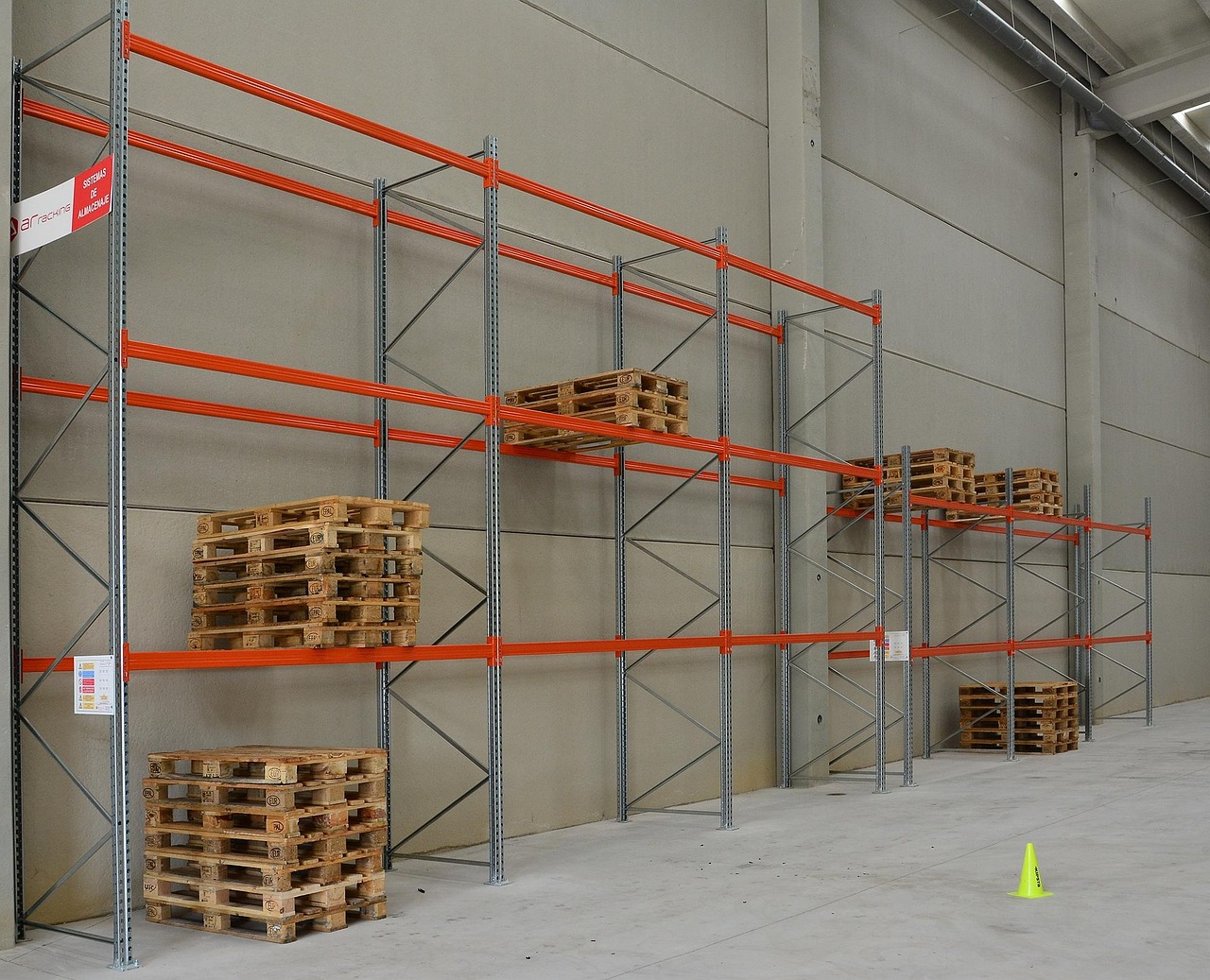
Selling the same products on your own website, a marketplace and perhaps at a market stall is a smart way to reach more customers. It also creates a problem that single-channel sellers never face: the last blue mug can only be bought once. If three channels each think they still have it, one customer gets an apology email and a refund instead of a parcel.
This guide explains how to manage inventory across sales channels without a large budget. It covers one source of truth for stock, how to decide how much to hold and when to reorder, how to count and reconcile, and what changes when you deal with returns, bundles and bad data. It is general business guidance, not accounting or tax advice, so confirm accounting treatment with your accountant.
Why multi-channel inventory goes wrong
Most overselling comes from delay and duplication rather than carelessness. A sale on one channel is recorded in a different tool, then copied by hand into a spreadsheet, then updated on the other channels hours later. In that window, the same unit is offered twice.
Other common causes include:
- Returns that never go back into stock, or go back to the wrong place.
- Bundles and variants (a gift set, or the same shirt in five sizes) that draw from the same parts but are counted separately.
- Damaged, lost or sample units that nobody removes from the count.
- Different product names or codes on each channel, so nobody can tell which items match.
The fix is a mix of process and tooling, and the process comes first.
Step 1: Create one source of truth
Pick one place where the official quantity lives, and make every other system follow it. For many small sellers that is the store platform or an inventory tool that connects to their channels. For very small catalogues it can be a well-kept spreadsheet, as long as a single person owns it.
Give every product one code
Assign a stock keeping unit (SKU) to each distinct sellable variant, such as one code for each size and colour. Use the same SKU on every channel and on your supplier orders. Keep a master list with the SKU, name, supplier, unit cost, selling price, reorder point and storage location. Matching SKUs is the foundation of everything else here.
Decide how stock is shared
You have three common approaches:
| Approach | How it works | Best for | |---|---|---| | Shared pool | Every channel sells from one total | Fast-moving items and strong sync tools | | Allocation | Each channel gets a fixed share | Items where one channel must never run out | | Buffer | Hold back a few units from public counts | Slow syncs and low-volume, high-value items |
A buffer is the simplest protection against overselling. If your system updates every few minutes, show 4 available when you hold 5, and let the last unit cover the lag.
Step 2: Know how much to hold and when to reorder
Carrying cost is real
Holding stock is not free. A university extension paper on inventory control lists the costs of carrying inventory as taxes, insurance, obsolescence, storage space, handling and information technology. Cash tied up in slow-moving stock is also cash you cannot spend on anything else, so see how it fits your cash flow forecast.
The reorder point formula
The same paper gives the standard formula: reorder point equals demand per day multiplied by supplier lead time, plus safety stock. Safety stock is the extra you hold in case an order arrives late or demand jumps.
A worked example: if you sell 3 units a day and your supplier takes 10 days to deliver, lead-time demand is 30 units. Add 10 units as safety stock and your reorder point is 40. When available stock hits 40, you place the next order.
Review the numbers every month. Seasonal products change demand, and supplier lead times drift.
Split your catalogue by importance
Sort products into three groups. "A" items are the few that produce most of your sales and should rarely run out. "B" items are the middle. "C" items sell slowly and tie up space, so consider ordering them in smaller batches, bundling them or clearing them. Review the C group every quarter so dead stock does not build up.
Step 3: Count, reconcile and fix
Do regular counts
A full count once a year is not enough for a seller with several channels. Instead, count a small part of your stock every week (a "cycle count"), and give extra attention to your A items. Compare the counted quantity with the system quantity, investigate large differences and record the reason, such as damage, theft, miscount or unrecorded return. Then adjust the system so it matches the shelf.
Value your stock correctly
For accounting, you also need a cost for the stock on hand. The IRS explains in Publication 538 that businesses can identify costs by specific identification where possible, and by first in, first out (FIFO) or last in, first out (LIFO) when identical goods are mixed together. It also describes valuing items at the lower of cost or market. Which method is right for you is a question for your accountant, and the guide to cash versus accrual bookkeeping gives useful background.
Step 4: Handle the awkward cases
- Returns. Inspect, decide whether the item is resellable, and add it back to stock only after inspection. Our shipping and returns policies guide covers the policy side.
- Bundles. Define a bundle by its components so selling one bundle reduces each component by the right amount.
- Pre-orders and back-orders. Say clearly on the product page when stock will arrive. If you state a shipping time, you need a reasonable basis to meet it.
- Samples and damaged goods. Move them to a separate location or status so they are not counted as available.
- Multiple locations. If stock sits in a garage, a shared warehouse and a market stall, treat each place as its own bin in your master list.
Step 5: Build a weekly routine
- Reconcile yesterday's orders from every channel against the master count.
- Check items at or below their reorder point and place supplier orders.
- Do the weekly cycle count and fix differences.
- Review slow movers and decide whether to discount, bundle or stop buying.
- Check that product details, prices and photos match on every channel. The product photography and listings guide helps with that.
- Record supplier prices and lead times, and update your reorder points.
Common mistakes
- Treating each channel as its own inventory. This is the direct route to overselling.
- No unique code per variant, so items cannot be matched across channels.
- Relying on manual copying between channels when volumes grow.
- Skipping counts until the end of the year.
- Never updating reorder points after demand changes.
- Over-ordering to get a discount and tying up cash in slow stock.
- Ignoring returns so that stock numbers drift upwards.
- Not tracking cost, which makes profit reports unreliable.
Where WorkBOS fits
To be clear, WorkBOS is not an inventory or stock-sync system, and you should not expect it to replace your store platform or an inventory tool for counting units. What it can do is support the business processes around stock. Suppliers can live as companies and contacts in the CRM, a recurring task can prompt the weekly count with an owner and due date, and invoicing and basic accounting help record what you buy and sell. An API and webhooks and integrations can connect other tools, and automations can create a reorder reminder, with any AI agent acting only after a person approves. Read the docs for what is available, and check pricing for the plans. If you are just starting out, read the online store checklist first.
Frequently asked questions
Q: What is the easiest way to avoid overselling? A: Keep one master stock count, use the same SKU everywhere and hold back a small buffer from public availability. Then improve how quickly each sale updates the master count.
Q: How often should I count inventory? A: Weekly cycle counts on a rotating section, with extra attention to your best sellers, are far more useful than one yearly count. Adjust the system whenever you find a difference.
Q: How do I decide how much safety stock to hold? A: Start with extra stock that covers a late supplier delivery or a demand spike, and adjust based on experience. The reorder point is daily demand times lead time plus that safety stock.
Q: Do I need inventory software? A: Not on day one. A spreadsheet with a single owner works for a small catalogue on one or two channels. As order volume and channels grow, a tool that syncs counts automatically saves time and reduces mistakes.
Q: Which inventory valuation method should I use? A: The IRS describes specific identification, FIFO, LIFO and lower of cost or market. The right choice affects your taxes, so ask your accountant before you decide.
Sources are linked in the text above: Virginia Tech Cooperative Extension, IRS Publication 538.
Run it all from one place
Projects, clients, finance, people and AI employees in one system. Start free, no card needed.
Start free →